
Join the development team (nooQGolf)
We will be adding app to Apple App Store shortly.
We need to finalise testing on Test Flight and then nooQ Golf Members app will be available in Apple App Store.
It's a three step process.
- You will join the development team
- That gives you access to download TestFlight
- Which enables you to access nooQGolf app.
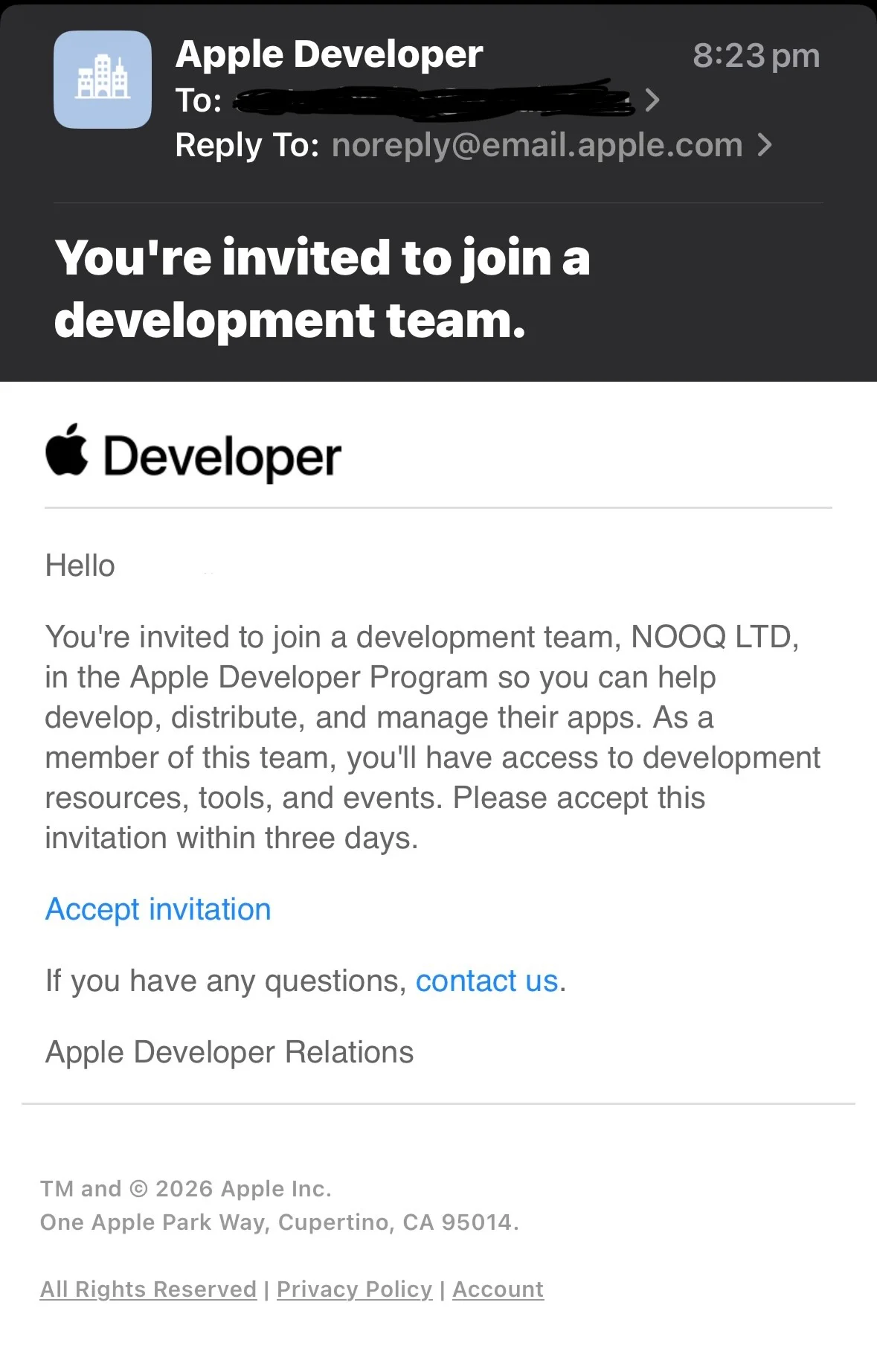
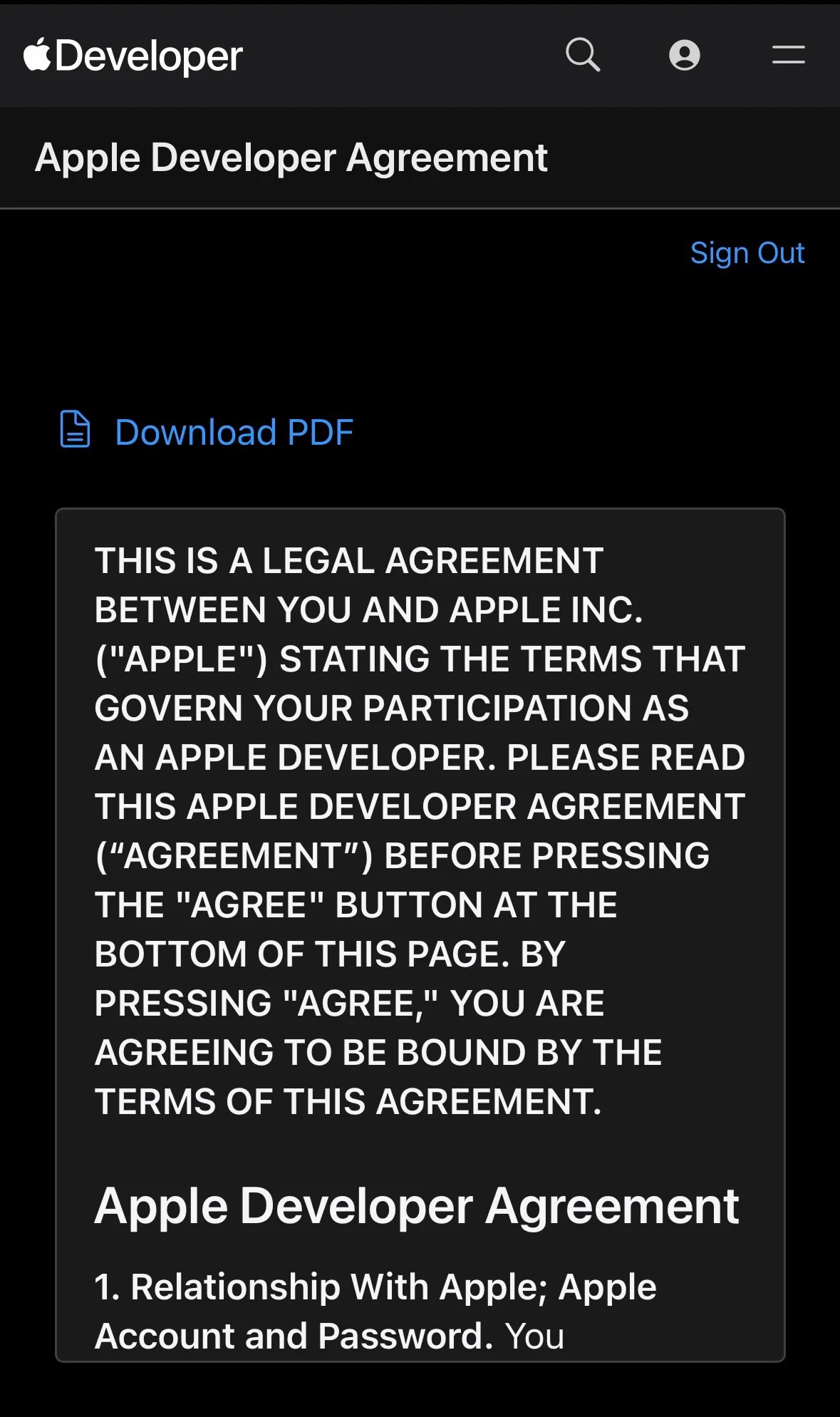
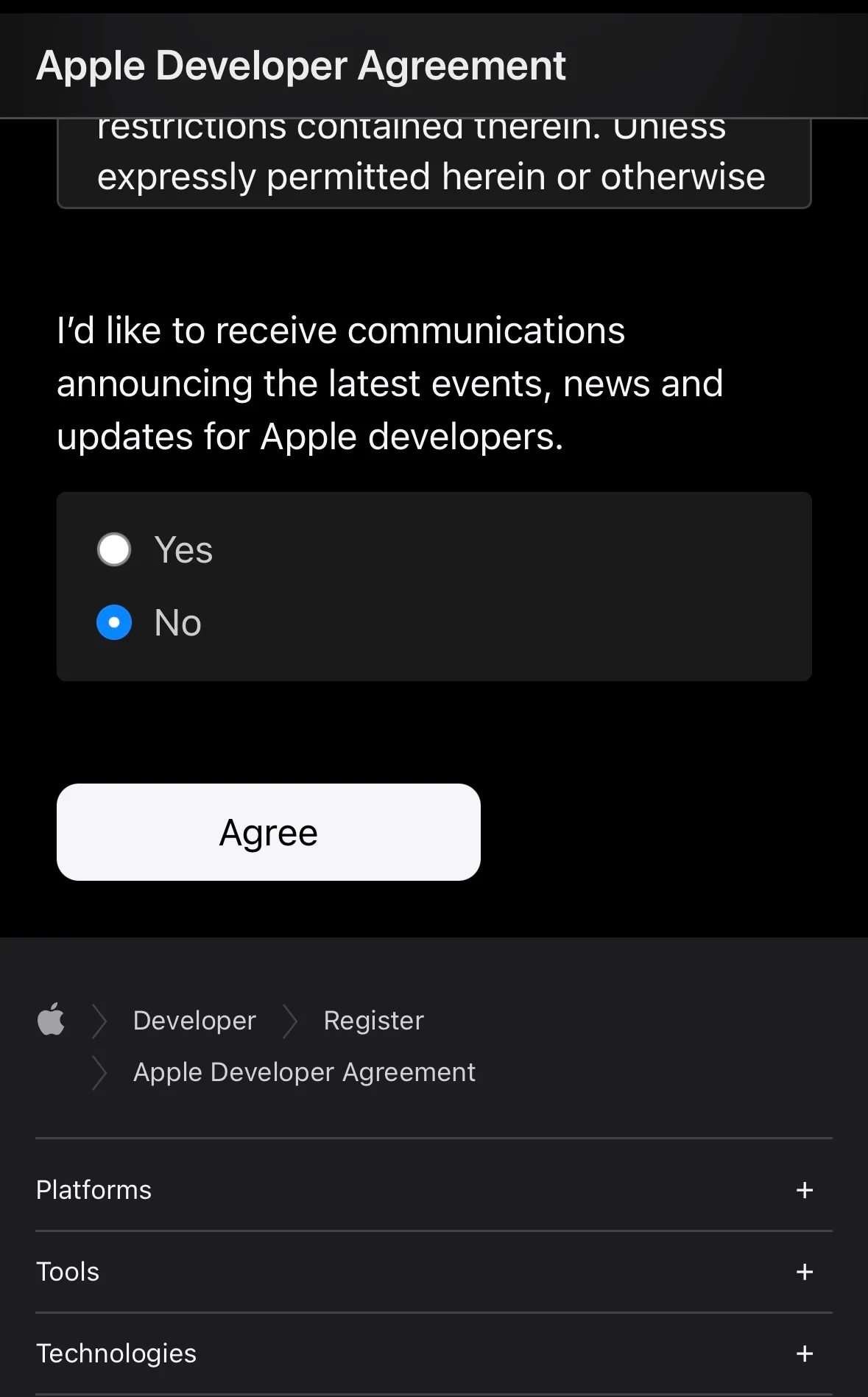
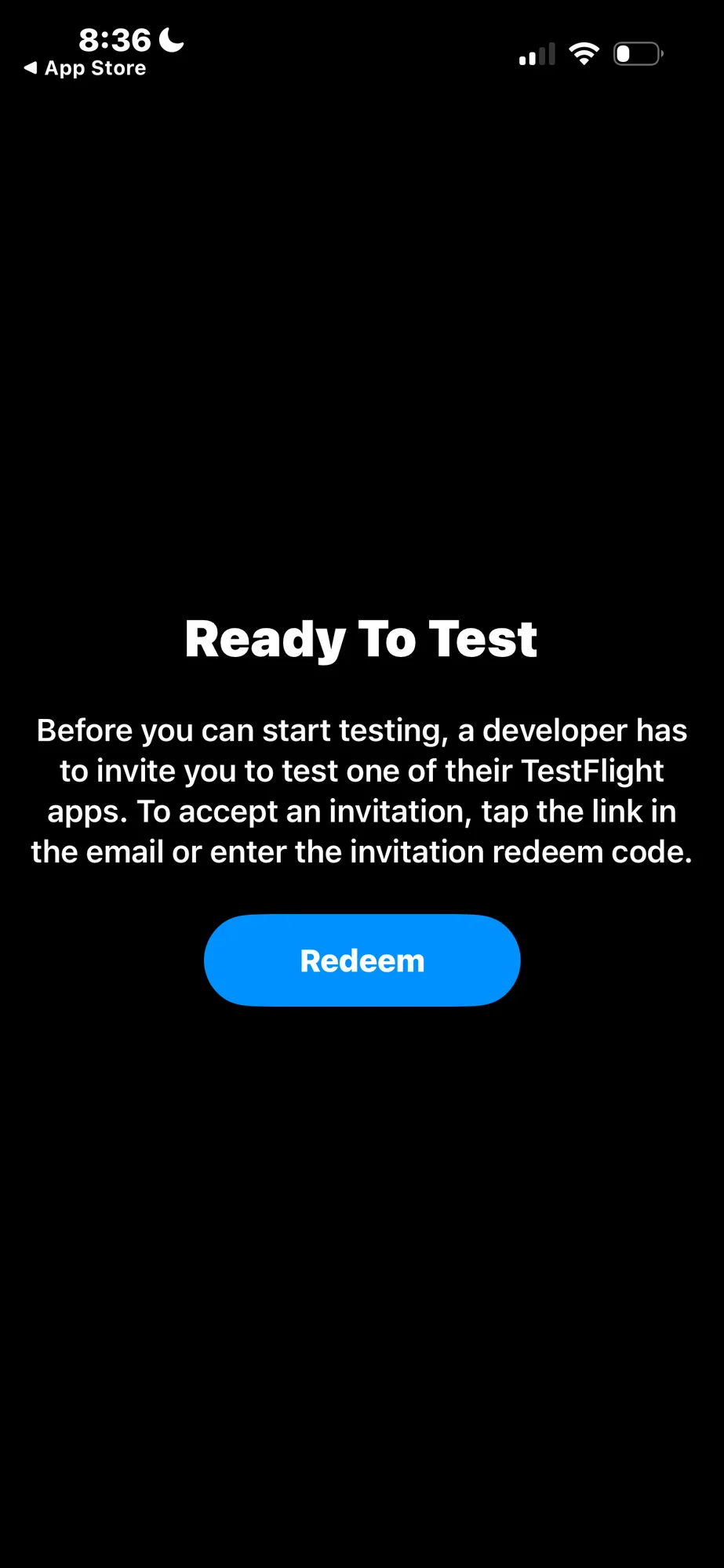
Download TestFlight
- Download TestFlight App (App Store) - using your Apple ID email address
- Accept TestFlight Terms & Conditions
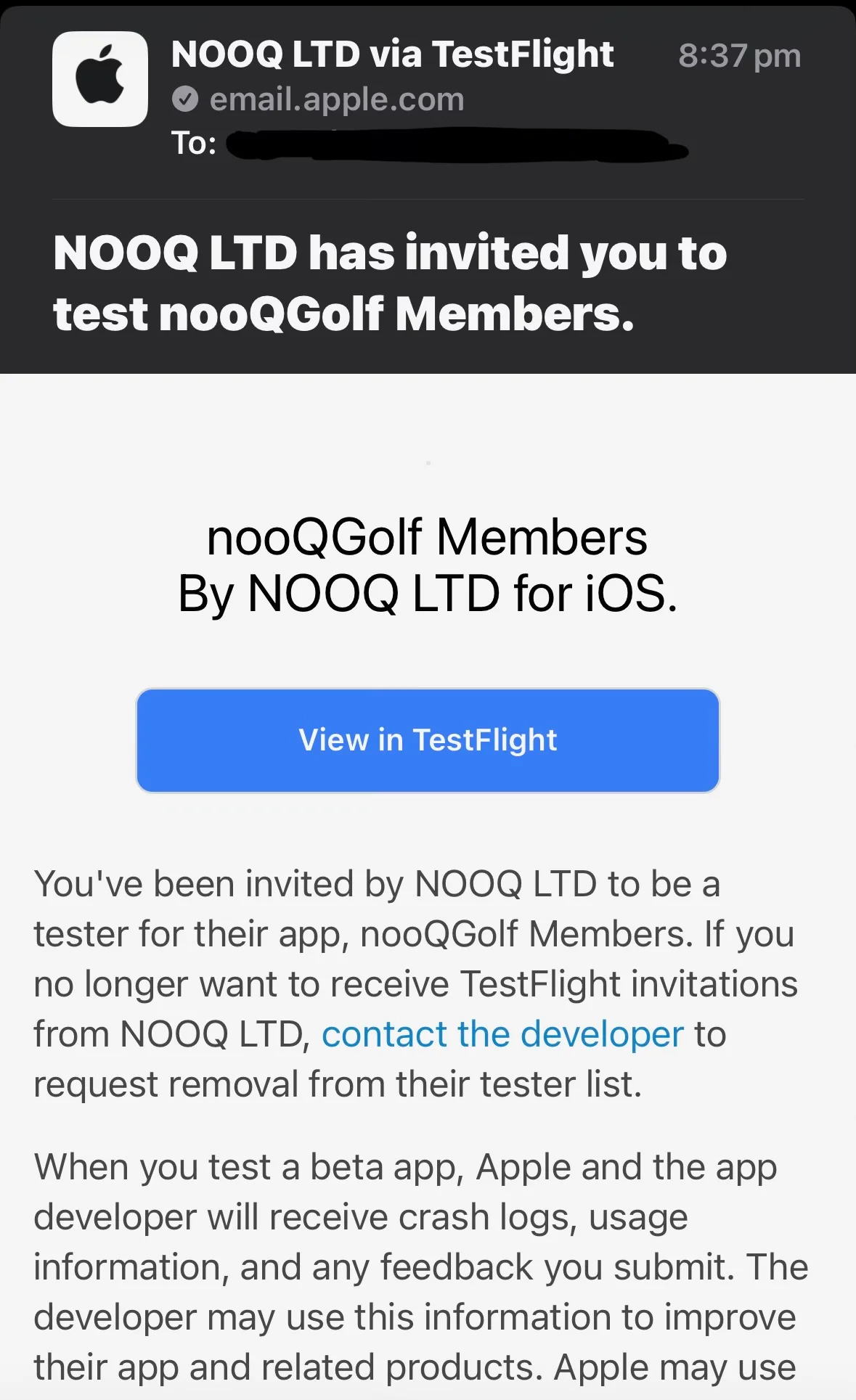
You will then get an email invitation to download the nooQGolf Members App
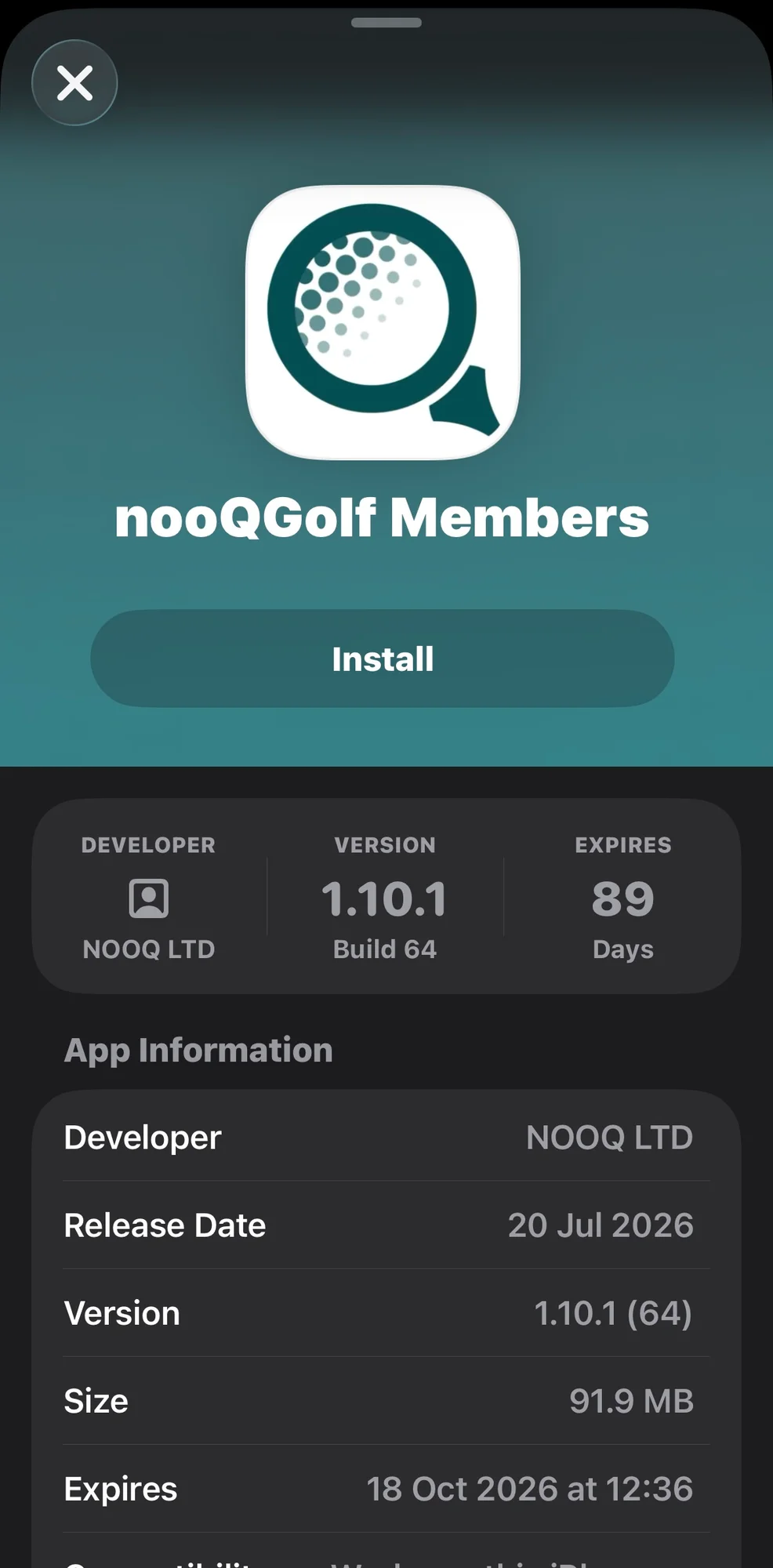
Download nooQ Golf Member App
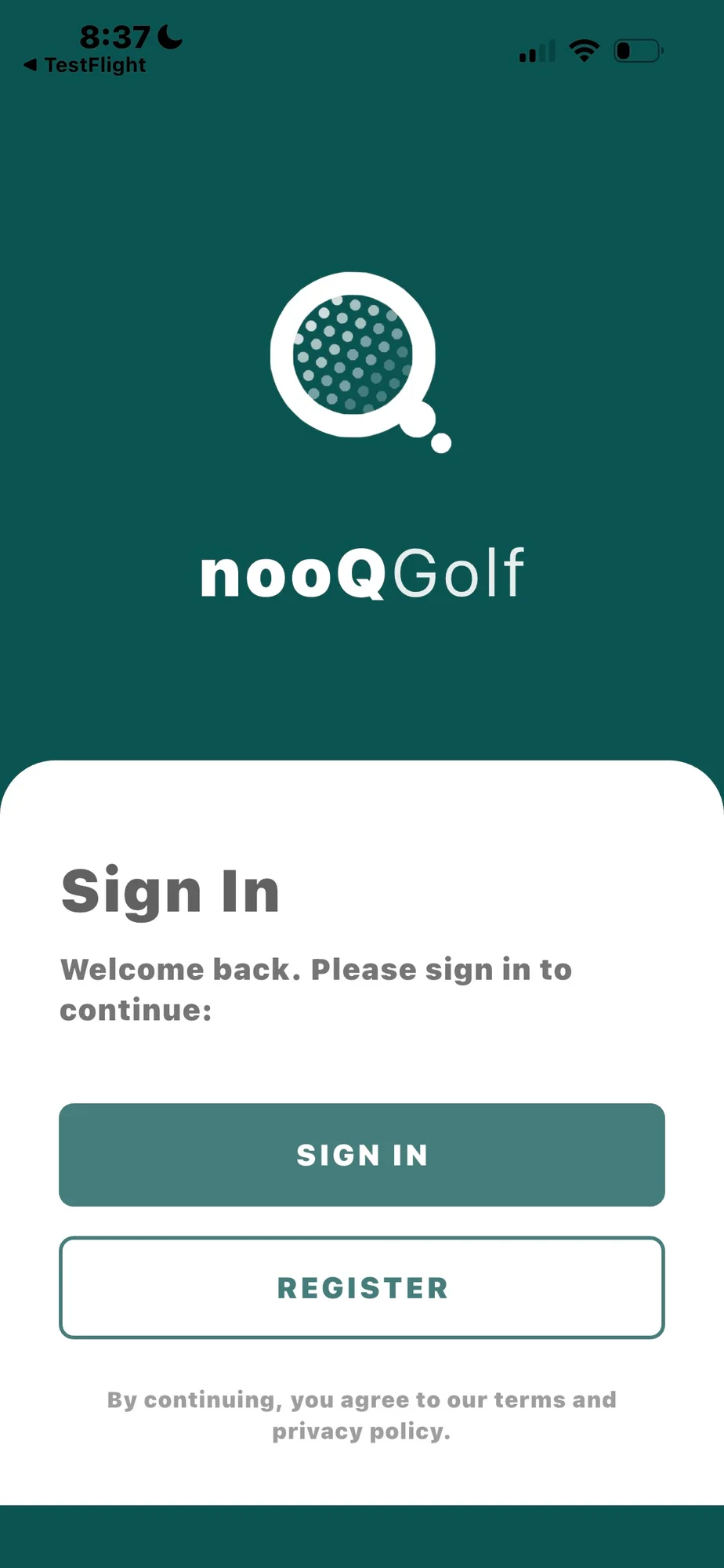
First time using the app, select REGISTER
and create nooQ Golf account using the same email you use for Club v1/existing membership app (membership email address)
Use same email you normally use for Club v1/Howdidido
Once registered you can sign in to nooQ Golf Member App using membership email address.
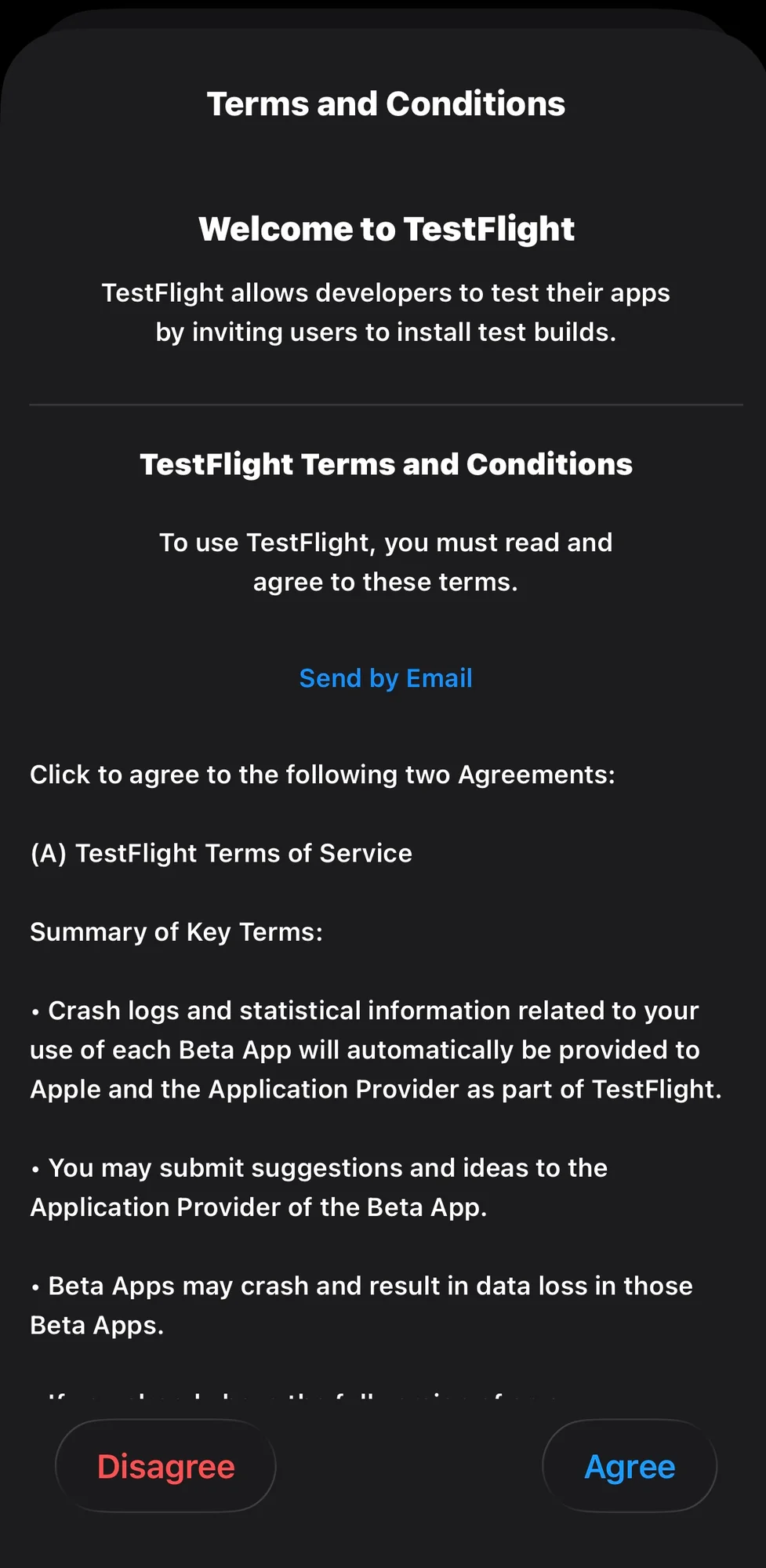
First time using the app, select REGISTER
and create nooQ Golf account using the same email you use for Club v1/existing membership app (membership email address)
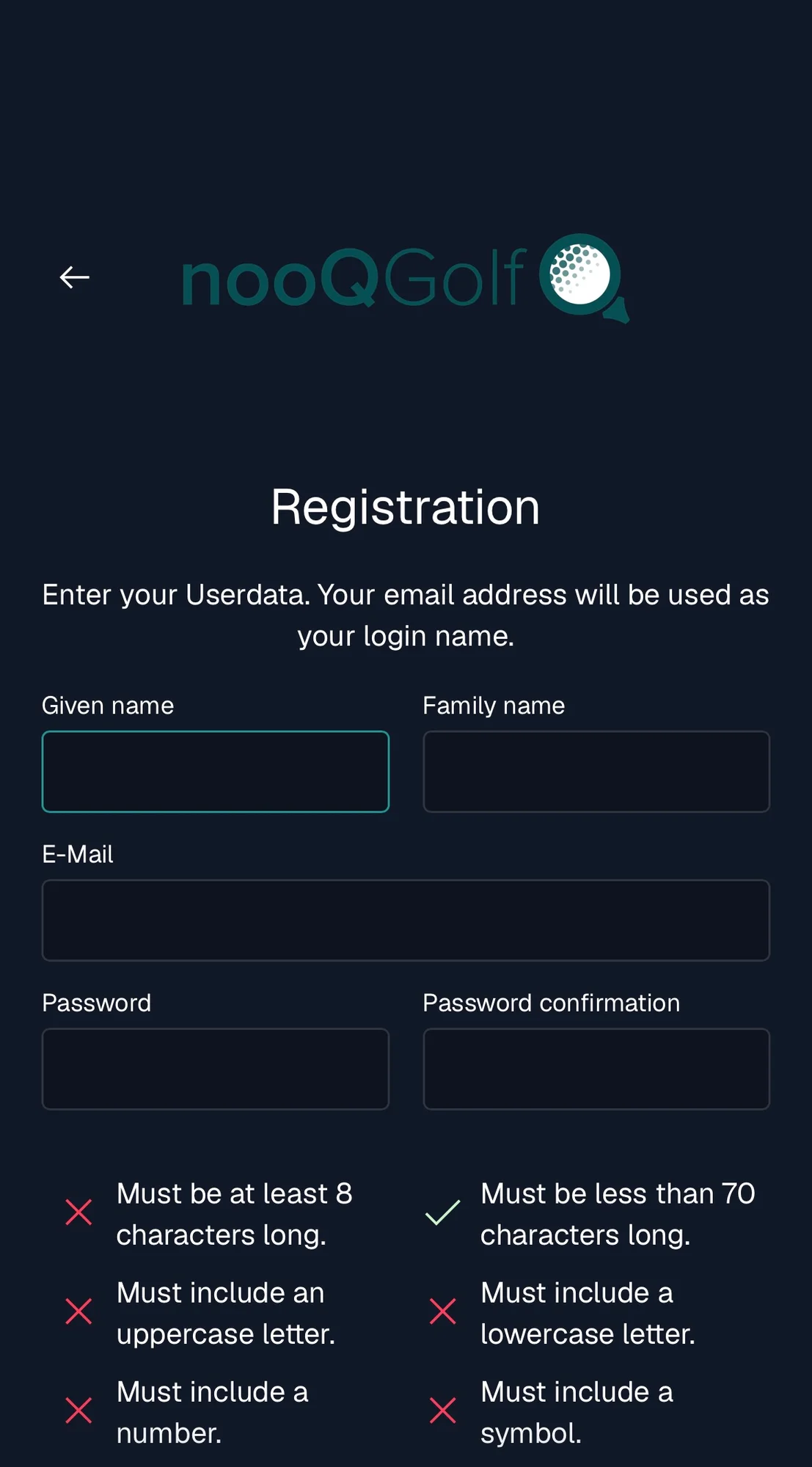
Use same email you normally use for Club v1/Howdidido
Once registered you can sign in to nooQ Golf Member App using membership email address.